Latest Version
Hyundai Motor America
iOS
Free
893514610
Report a Problem
More About MyHyundai with Bluelink
An In-Depth Look at the MyHyundai with Bluelink Vehicle Management App
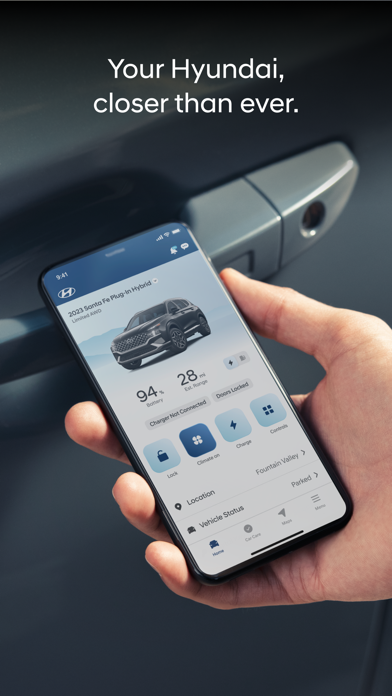
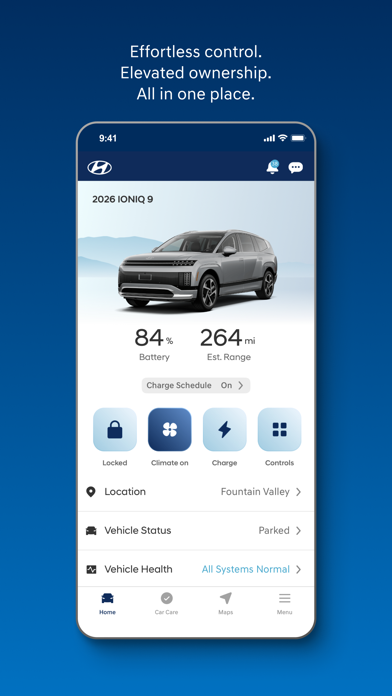
The MyHyundai with Bluelink vehicle management app is designed to bridge the gap between drivers and their Hyundai vehicles, offering an integrated suite of remote controls, maintenance tracking, and convenience features directly from an iOS device. Developed by Hyundai Motor America, this application serves as a digital hub for owners looking to maximize their vehicle ownership experience. Whether you want to pre-condition your cabin temperature before heading out or simply need to verify that your doors are locked, this utility streamlines your daily routine.
Who Benefits Most from MyHyundai with Bluelink?
This application is highly beneficial for active Hyundai owners who value connectivity and peace of mind. It is especially useful for:
- Daily Commuters: Those who want to start their vehicle remotely and set climate presets before stepping outside.
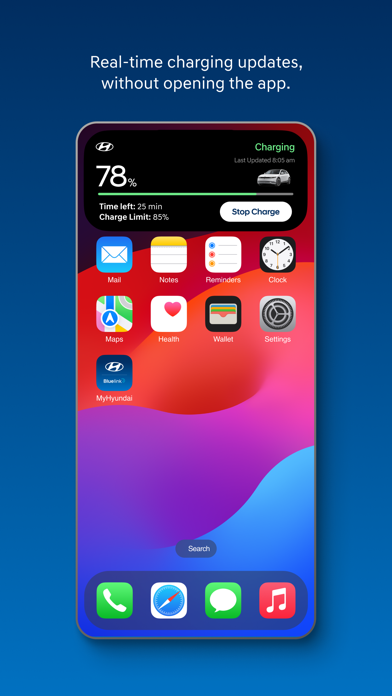
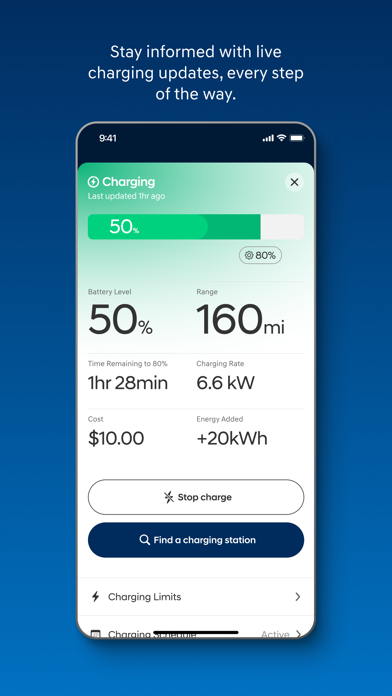
- Electric and Plug-in Hybrid (EV/PHEV) Owners: Drivers who need to monitor real-time charging status, manage charging schedules, and optimize energy usage.
- Smartwatch Users: Apple Watch owners who prefer executing basic commands like locking doors or sounding the horn directly from their wrist.
Key Features and Remote Functionality
The core strength of the MyHyundai with Bluelink vehicle management app lies in its robust feature set, which is accessible with an active Bluelink subscription. Key capabilities include:
- Remote Vehicle Control: Start the engine, customize cabin presets, and lock or unlock doors remotely from virtually anywhere.
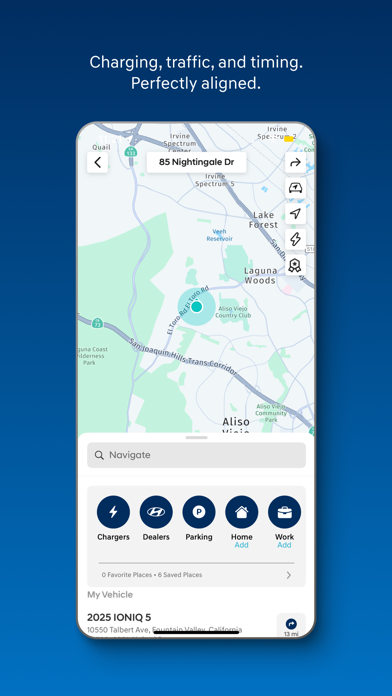
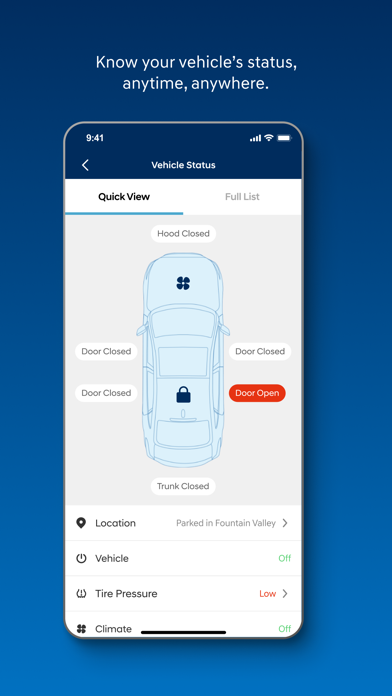
- Vehicle Status and Location: Easily check the real-time status of your vehicle or use the "Find My Car" feature to locate your parked automobile in crowded lots.
- Simplified Service Scheduling: Make Car Care service appointments directly with preferred dealers and access complete maintenance history.
- Convenient iOS Integration: Utilize Face ID, Touch ID, and customizable phone widgets for rapid access to parking meters, POI searches, and remote features.
Understanding App Requirements and Permissions
To deliver these connected services, the application requests several device permissions as needed. These include location services for mapping and vehicle tracking, camera access for profile setup, and notifications to deliver important vehicle status alerts. Please note that feature availability varies by vehicle model, and an active Bluelink subscription is required to unlock remote and guidance systems.
Conclusion
For Hyundai owners seeking a modern, connected driving experience, the MyHyundai with Bluelink vehicle management app provides an exceptional level of control and convenience. To explore its capabilities further and see how it integrates with your specific model, visit the official Apple App Store to view the application details and compatibility requirements.
Rate the App
User Reviews

Popular Apps








Editor's Choice